Deleting a company
Delete a company you no longer need. The Backoffice offers no way to undo this, so read what deletion changes before you confirm.
Required role and confirmation
Only the company's Admin can delete it. A Moderator and a Member never see the Delete company card at all.
You become the company's first Admin when you create it. Invite a colleague and make them an Admin first if you want to share this duty. The Members, invitations and roles guide lists every role right.
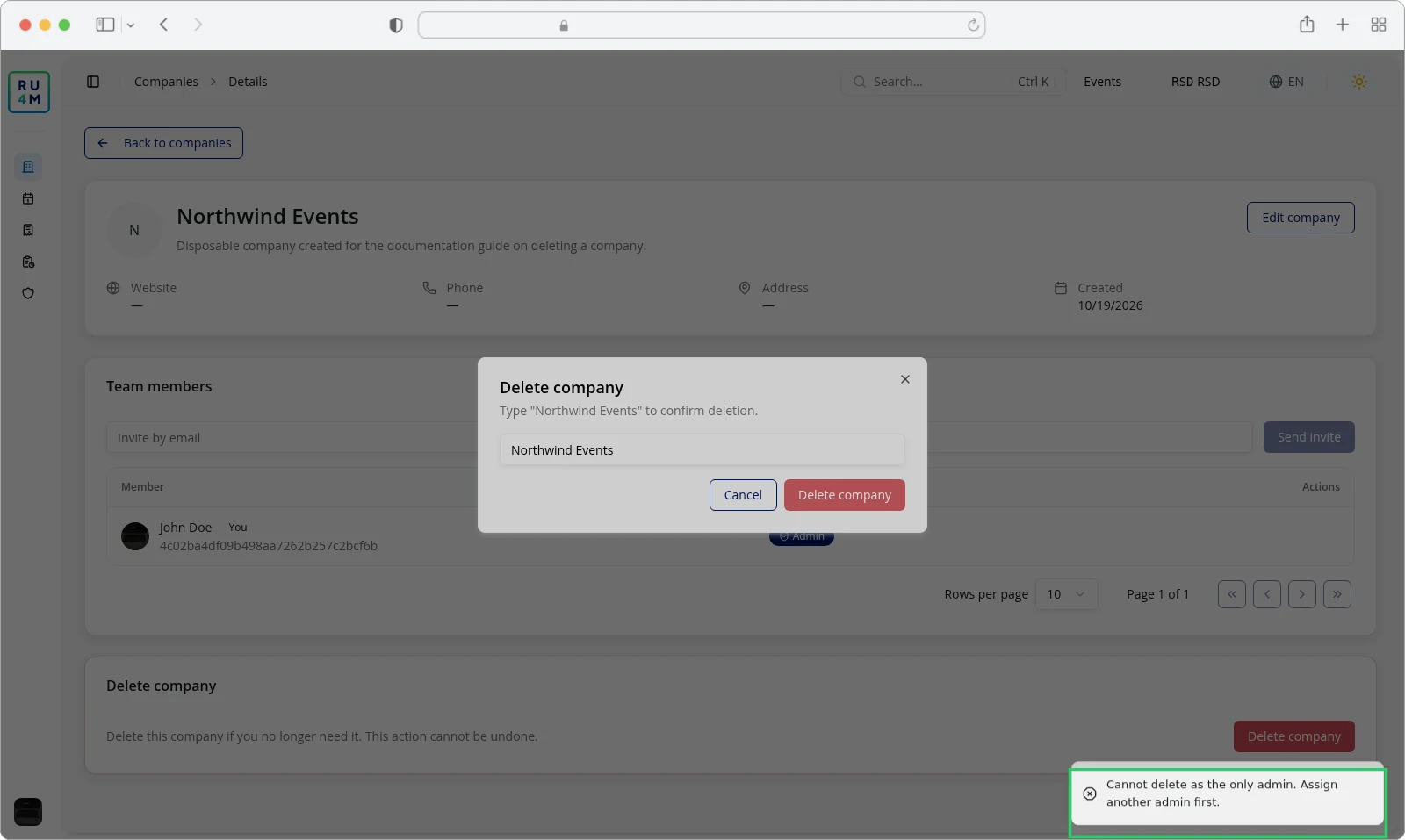
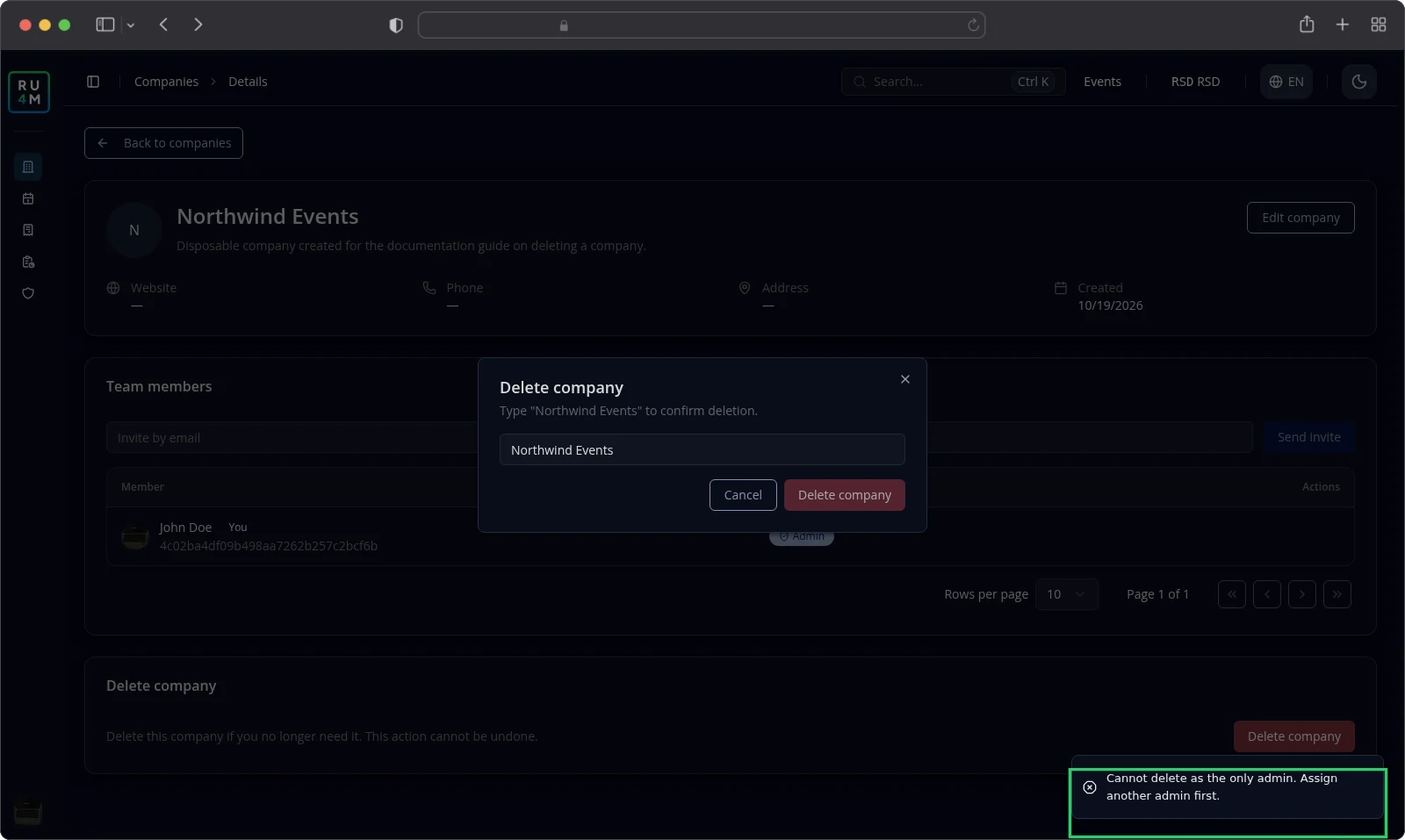
The app also refuses the deletion while you are the company's only Admin. Give another member the Admin role first, then come back to delete the company.
The Delete company card is the last card on the company's page. Open your company from the sidebar or from the companies list.
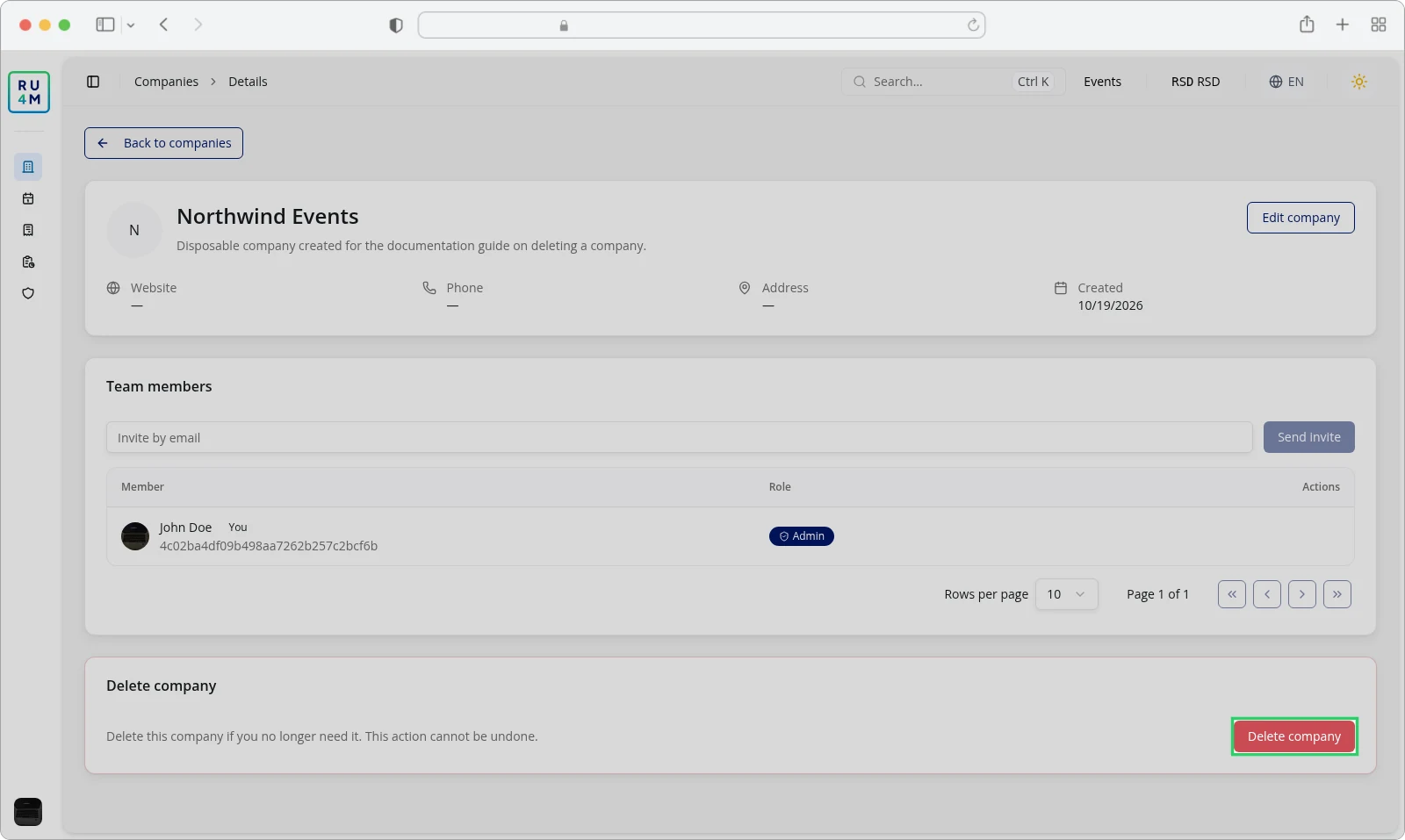
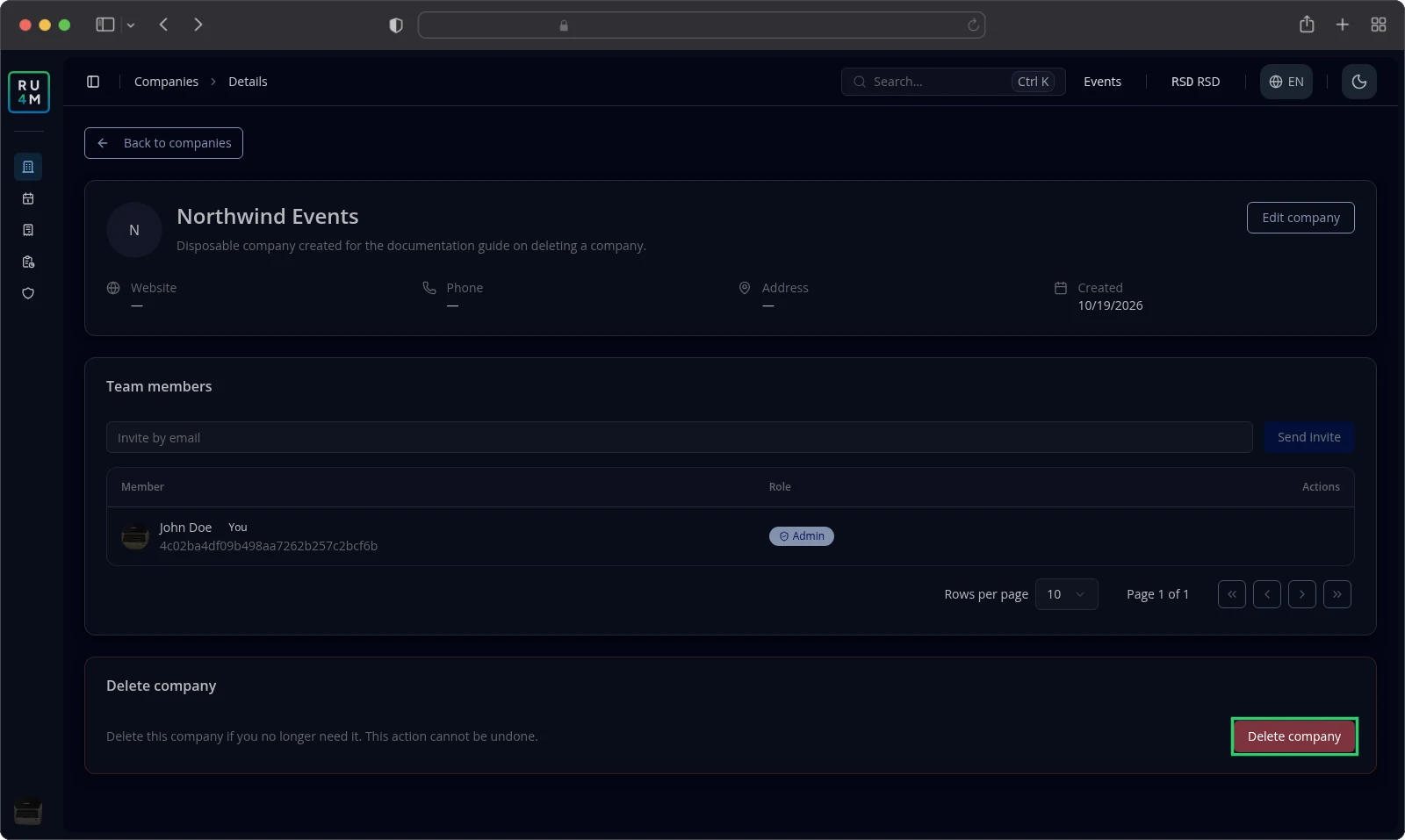
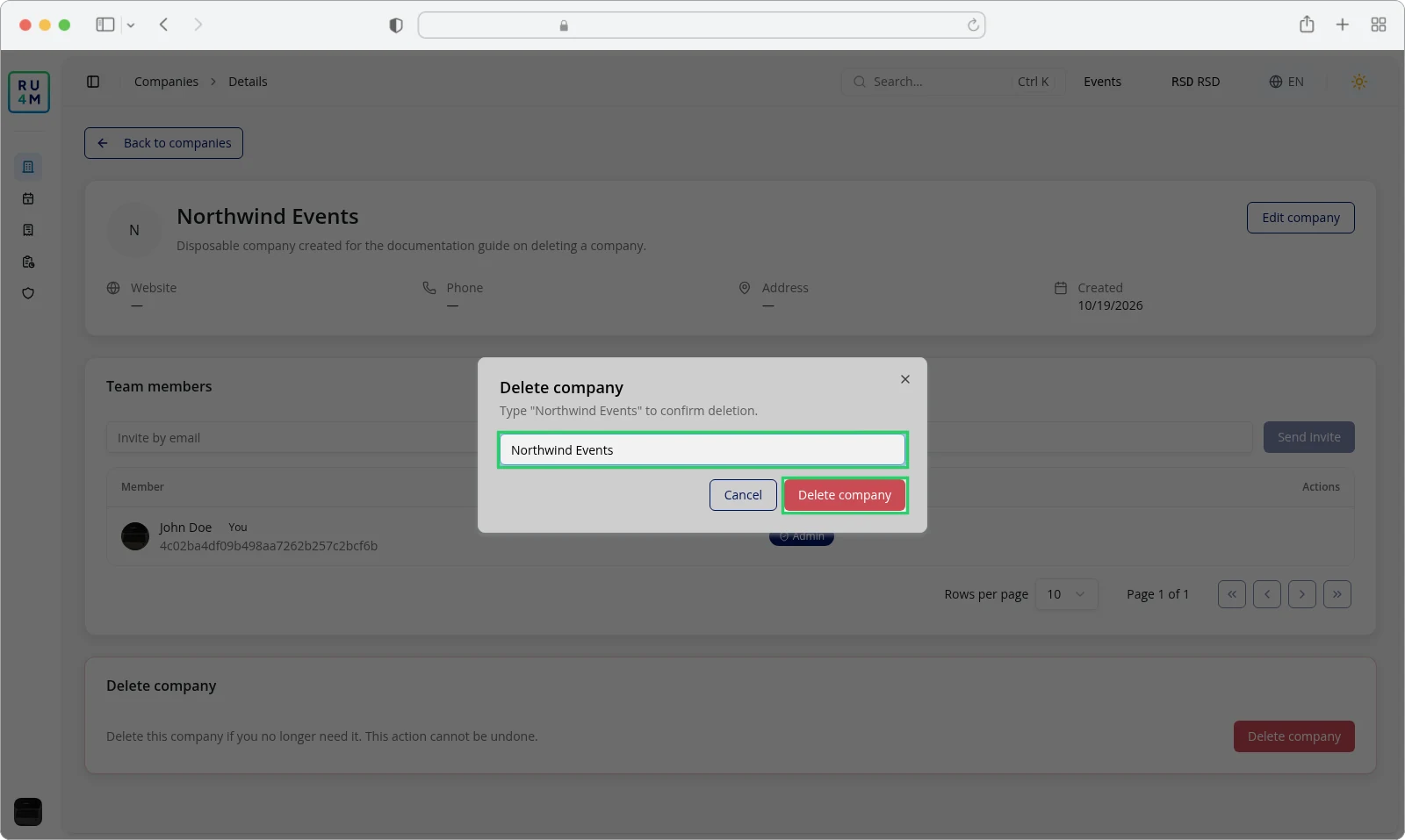
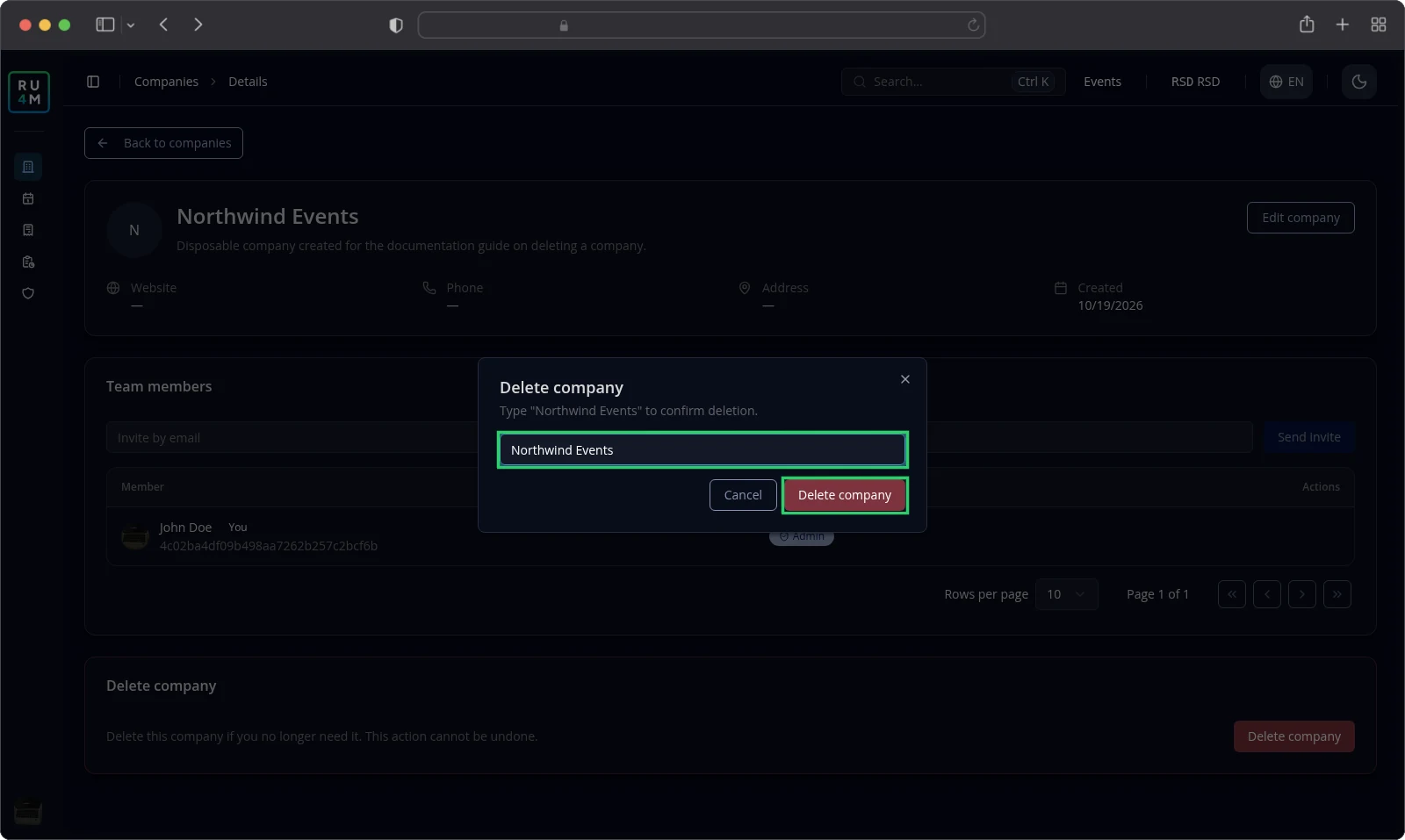
Deleting asks you to type the company's name, so a stray click cannot remove it.
- Scroll to the Delete company card.
- Select Delete company.
- Type the company's name into the confirmation field.
- Select Delete company in the dialog.
The Delete company button in the dialog stays greyed out until the typed name matches exactly. Matching is case-sensitive, and spaces count too.
The app confirms Company deleted successfully. and returns you to the companies list. The company is no longer there.
What deletion means
Deletion removes the company from your account. The company leaves the companies list and the sidebar, and its page no longer opens.
The app marks the company as deleted. Nothing in the Backoffice brings it back, and there is no restore button anywhere on its page.
Three kinds of unfinished work end with the company:
- Invitations you sent but nobody accepted are cancelled. Those people never join.
- Requests to join that nobody answered yet are cancelled too.
- Communities you created for the company are no longer linked to it.
The app does not delete the company's events. They keep the details they already had.
Resolving unavailable actions
You do not see the Delete company card. Only an Admin sees it. Ask an Admin to run the deletion for you, or ask them to make you an Admin first.
The app reports "Cannot delete as the only admin. Assign another admin first." You are the last Admin on the roster. Give another member the Admin role, then try again. See Members, invitations and roles.
The app reports "Company name confirmation does not match". The typed name differs from the company's name. Clear the field and type the name exactly as it appears on the company page.
The Delete company button stays greyed out. The field is empty, or the name does not match yet. Finish typing the name before you select the button.
The app reports "Failed to delete company". The deletion did not go through. Leave the company as it is and try again.
You deleted the wrong company. There is no restore. Create the company again and enter its details once more.
Related tasks
- Members, invitations and roles — invite colleagues and give each one the right role.
- Creating and editing company profile — create a company and change its details.
- Connecting a company to an event — use the company as the organizer of an event.
- Roles and permissions — what each role may do. Still in preparation.